 ImgsGen
At a glance
Choose GPT Image when you need custom dimensions, selectable quality or reference editing. Consider Gemini for resolution and aspect-ratio choices with automatic quality. Grok uses automatic dimensions. Compare the actual output before choosing a model for a project.
Compare the workflow before the artwork
Decide whether the task needs an exact image size, a reference picture or a selectable quality setting. Those controls are different across the models. Matching a prompt is useful, but matching a label such as 1K is not enough to make every setting equivalent.
Method and scope of the examples
On November 5, 2026, we generated one picture each using GPT Image 2, Gemini 3.1 Flash Image and Grok Imagine Image Lite with the same English prompt. GPT used a 1K target and draft quality; Gemini used a 1K target and automatic quality; Grok Lite used automatic dimensions and quality. WebP previews below are derived from those outputs.
| Model family | Size | Quality | Reference editing | Image count |
|---|---|---|---|---|
| GPT Image | 1K / 2K / 4K | Draft / standard / fine | Available | 1–4 |
| Gemini Image | 1K / 2K / 4K targets | Automatic | Unavailable | 1–4, sequential |
| Grok Imagine | Automatic | Automatic | Unavailable | 1–4 |
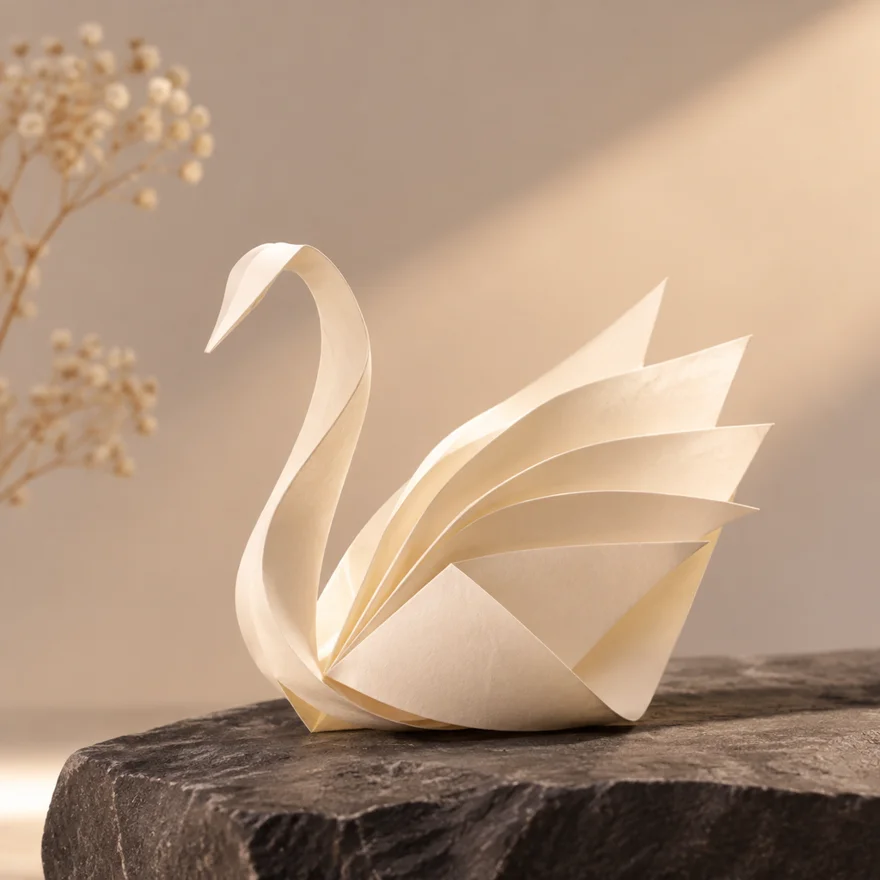
1024 × 1024 px
1K · draft quality
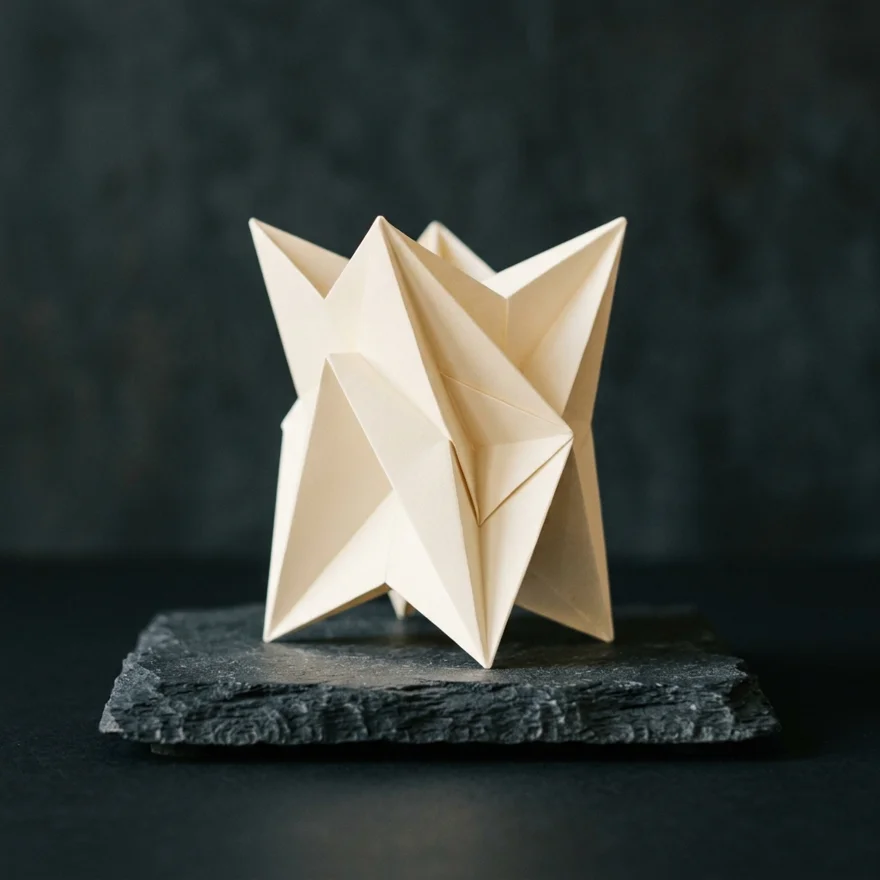
1024 × 1024 px
1K · automatic quality
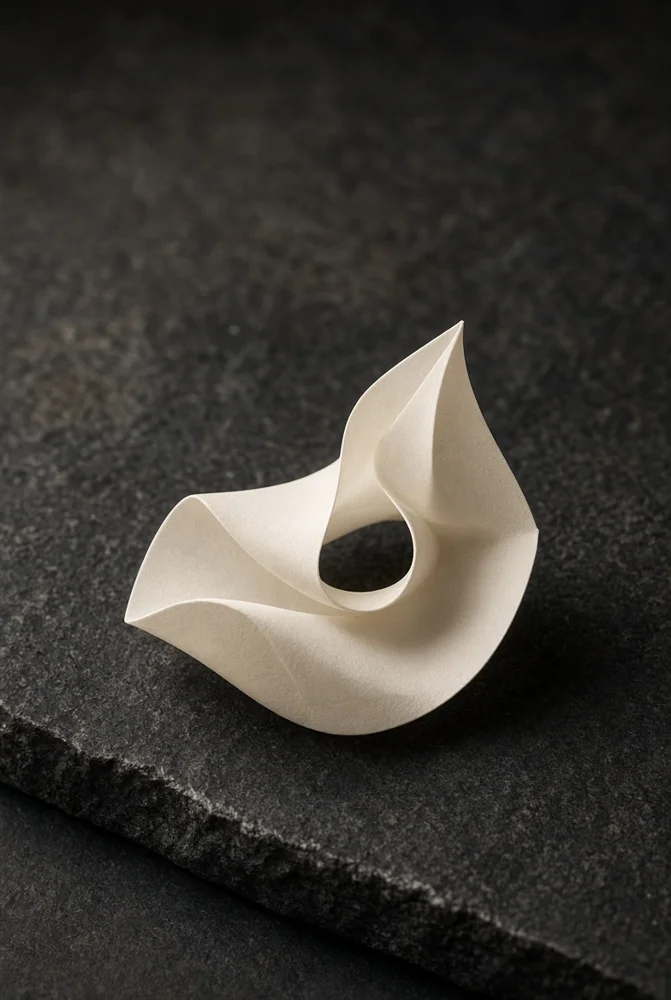
784 × 1168 px
Automatic size and quality
Shared prompt
Minimal studio photograph of an ivory folded paper sculpture on charcoal stone, soft warm light, refined composition, no text, no watermark.
View sample settings and source-file checksumsObserved output dimensions
GPT and Gemini each returned a 1024 × 1024 PNG in this example. Grok Lite returned 784 × 1168 pixels. Since Lite uses automatic dimensions and ratio, this example does not demonstrate support for exact square output. A single prompt and one output per model cannot establish a quality ranking or verify every resolution and editing option.
Try the same idea for your own project
Reuse the supplied prompt, select a model and inspect the result at its actual dimensions. Save the version you prefer. If continuity matters, use supported reference editing; if exact typography or layout matters, complete the final composition in a design tool.
Bring the idea to your canvas.
Choose a supported model and composition. The studio uses an ImgsGen account and subscription credits.
Open image studio ↗