 ImgsGen
AI image generator.
Make room for your imagination.
Create from a text prompt. Explore GPT Image, Gemini and Grok in one studio, or continue a picture with supported reference editing.
Open image studio ↗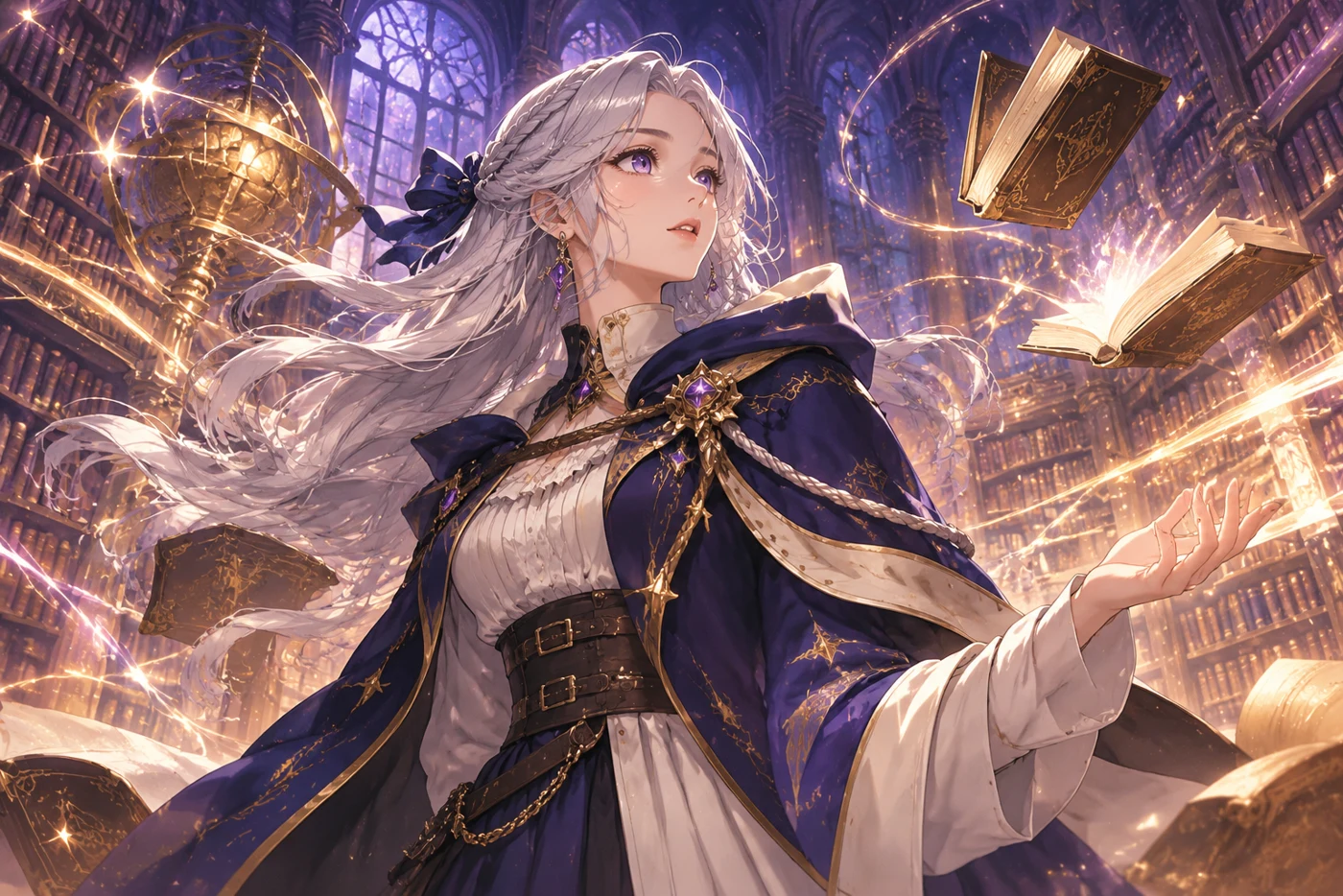
Start with the picture you need.
AI Anime Generator: Prompts for Characters and Scenes
Create anime-style character and scene concepts with ImgsGen. Use structured prompts, choose a composition and develop a visual idea with supported models.
Read guide ↗CREATIVE WORKFLOWAI Product Photography: Create Product-Scene Concepts
Explore AI product-scene concepts using lighting, surfaces, framing and reference images. Learn how to inspect generated details before commercial use.
Read guide ↗CREATIVE WORKFLOWAI Portrait Generator: Lighting and Composition Prompts
Create portrait concepts from text prompts with ImgsGen. Control the scene, framing and lighting, and learn how reference-image continuity works.
Read guide ↗Different models. Clear choices.
| Model family | Size | Quality | Reference editing | Image count |
|---|---|---|---|---|
| GPT Image | 1K / 2K / 4K | Draft / standard / fine | Available | 1–4 |
| Gemini Image | 1K / 2K / 4K targets | Automatic | Unavailable | 1–4, sequential |
| Grok Imagine | Automatic | Automatic | Unavailable | 1–4 |
From a better prompt to a finished picture.
AI Image Prompts: A Practical Guide with Examples
Write clear AI image prompts using subject, action, setting, composition, lighting and style. Start with reusable English and Chinese prompt examples.
Read guide ↗CREATIVE NOTES1K vs 2K vs 4K AI Images: Resolution and Quality
Understand AI image resolution, actual pixel dimensions and quality settings. Choose a practical workflow for 1K, 2K and 4K image generation.
Read guide ↗CREATIVE NOTESHow to Edit an AI Image Using a Reference Picture
Continue from an existing picture in ImgsGen. Learn reference-image editing, reusable prompts, supported models and how to describe changes.
Read guide ↗AI image generation questions
What is ImgsGen?
ImgsGen is the image-creation studio on imgsgen.com. It combines text prompts, supported reference editing, saved image history and PNG downloads.
Can I use an existing image as a reference?
Yes, with a supported GPT Image model. Upload a picture or select a saved image and use it as a reference. Gemini and Grok reference editing are not currently enabled.
Does 4K mean every model returns the same dimensions?
No. Resolution targets and actual image dimensions are different. Grok currently uses automatic dimensions. Read the width and height in image details before using a result in a final layout.
Is there free public access?
Create an ImgsGen account, choose a monthly subscription, then use your credits in the personal studio. Model and image settings determine credit usage.
Can I write prompts in English?
Yes. English and Chinese prompts are supported. The studio interface is currently in Chinese.
Will the next image remember the previous one?
Not automatically. Reusing a prompt sends the text again. To guide a new image with an existing picture, attach it using supported reference editing.